00 Quick Start: Setup & Initialization
📍 Demo Info
-
Scene Preview
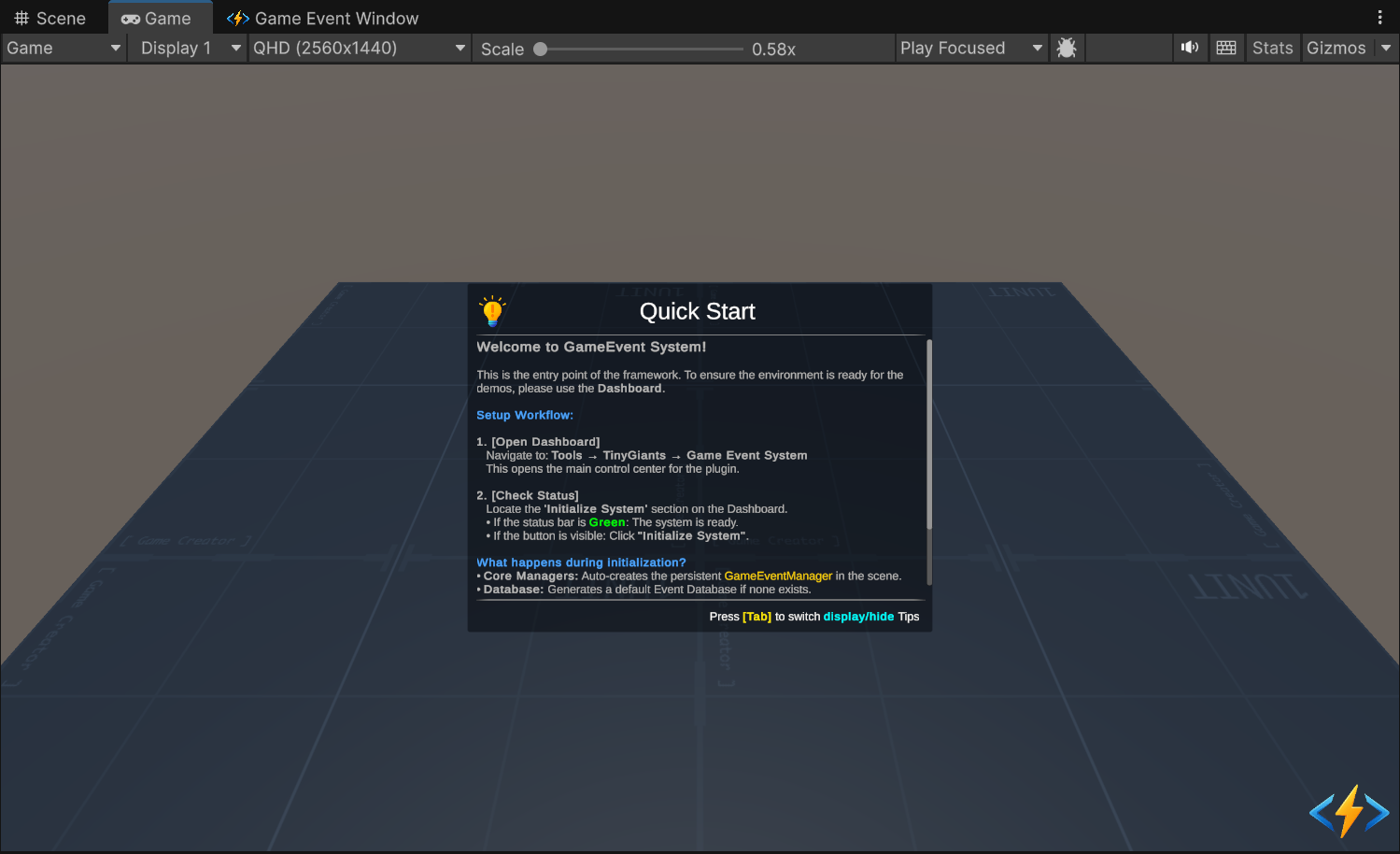
-
Scene Path
Assets/TinyGiants/GameEventSystem/Demo/00_QuickStart/00_QuickStart.unityGoalTo verify that the plugin environment is correctly initialized and ready to run the subsequent demos.
🎯 Description
Welcome to the Game Event System!
This scene serves as the Environment Check for the framework. Before you can run any logic or gameplay demos, the system requires a "Manager" object to handle event lookups and flow execution. If you skip this step, subsequent demos may throw errors because they cannot find the GameEventManager.
Why is this step necessary?
The system relies on a Singleton Manager (GameEventManager) to handle event lookups and flow execution. Without this initialization, raising an event would result in errors.
🛠️ The Setup Workflow
To prepare the environment, follow the on-screen instructions provided in the demo scene.
1. Open the Dashboard
Navigate to the top menu bar in Unity:
Tools > TinyGiants > Game Event System
2. Check System Status
Look at the "Initialize System" section (Middle-Left) of the Dashboard.
- 🔵 If the button is Blue: The system is Uninitialized.
- 🟢 If the bar is Green: The system is Ready.
3. Initialize (If needed)
Click the "Initialize Event System" button. The plugin will automatically performing the following setup:
| Action | Result |
|---|---|
| Core Managers | Creates the GameEventManager GameObject in the scene (DontDestroyOnLoad). |
| Database | Generates a default GameEventDatabase asset if none exists. |
| Flow Graph | Creates a default FlowContainer for visual logic. |
| Code Gen | Compiles necessary C# classes for basic types (void, int, etc.). |
For a detailed technical explanation of what happens during initialization, please refer to the Installation & Setup guide.
📝 How to Verify
Once the status bar turns Green, return to the Game View.
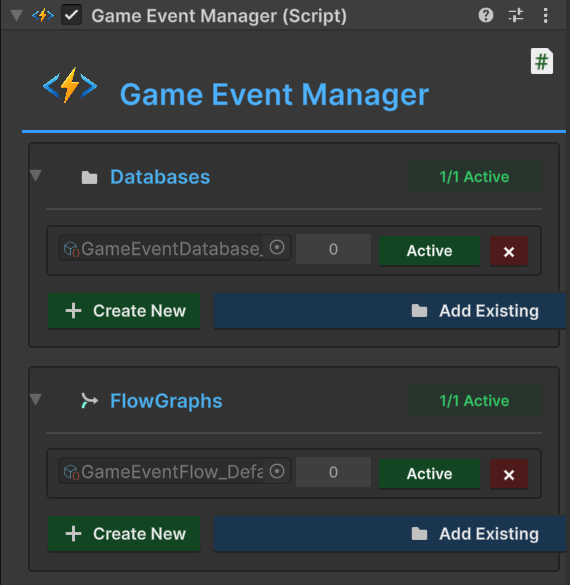
- Check your Hierarchy. You should now see a
Game Event ManagerGameObject. - Check the GameEventManager GameObject; you should now see the default Database and FlowGraph assets automatically assigned in the Inspector.
- You will also see the message 🎉 GameEvent initialization complete logged in the console.
- The UI in the demo scene (if interactive) serves as a visual confirmation.
🚀 Next Step
Now that your environment is healthy, you are ready to explore the actual event logic.
Proceed to the next demo to learn about the simplest form of communication: The Void Event.
👉 Next Chapter: 01 Void Event